
Website Photos That Win Work (and the Ones That Don't)
The photos worth taking, the ones to avoid, and a simple routine for building a proper library.
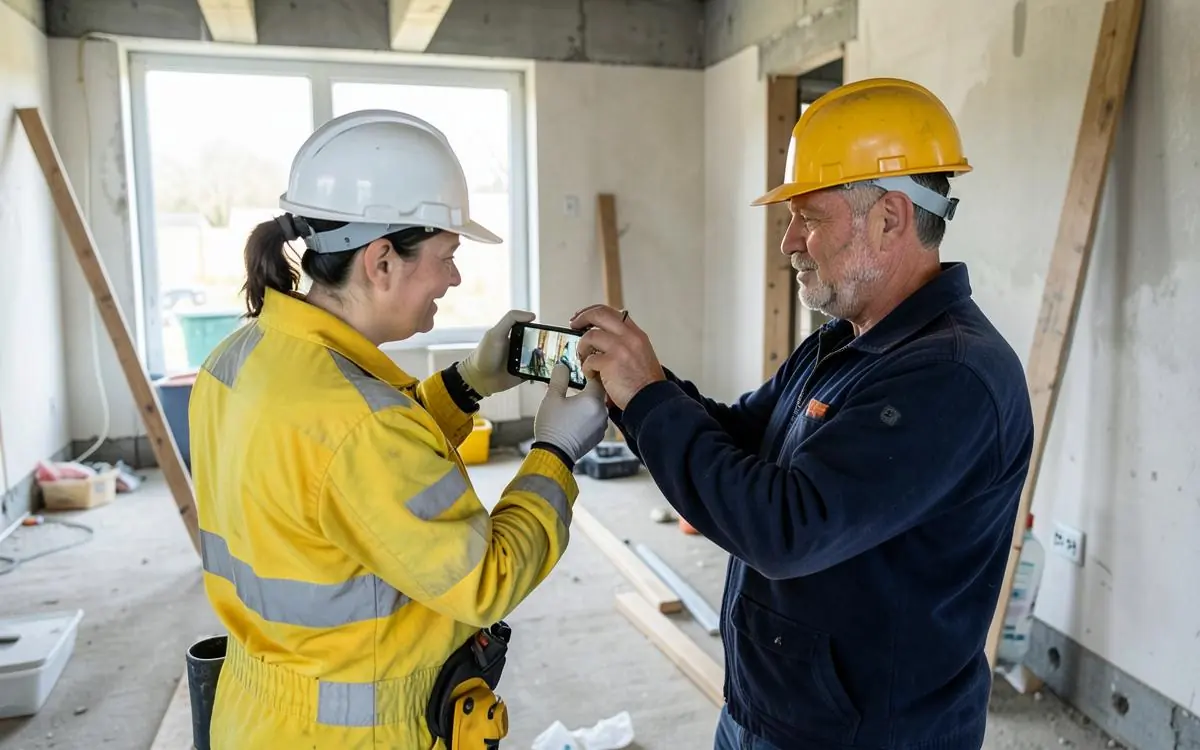
Photos are the fastest way to make a website more convincing, and the most commonly wasted opportunity. Almost every trade business has a phone full of job photos and a website full of stock images.
The four types that earn their place
Finished work. The main event. Wide enough to show context, in daylight, with the site tidied.
Before and after. The most persuasive pair in trade marketing. Take the before shot before you unload - you can't go back for it.
You and your team. People hire people. One decent photo of you on a job, and one of you not covered in dust, covers most needs.
Details. Neat cable runs, clean joins, tidy pipework. Details are where quality shows.
The ones that hurt you
- Stock photos of models in unmarked hi-vis.
- Dark, blurry or crooked shots.
- Photos with a rubbish-strewn site in the background.
- Other people's work - someone always recognises it.
- Massive uncompressed files that make the site crawl.
- Photos with no relevance to the page they're on.

How to take them properly on a phone
- Clean up first. Two minutes of tidying is worth more than any editing.
- Shoot in daylight, avoiding harsh midday sun and strong backlight.
- Hold the phone level - crooked verticals read as careless.
- Step back rather than zooming.
- Take a wide shot and two or three details on every job.
- Shoot more than you need; you'll only publish a few.
Build the habit, not the library
You won't get a photo library by setting aside a day for it. You'll get one by taking five photos on every job for six months. Put a note on the dash if you have to.
Use them where they matter
- Relevant photos on each service page, not just a gallery.
- Your best six on the home page.
- Local jobs on the matching location page.
- A photo beside the enquiry form.
- The same photos on your Google Business Profile.
Get permission, and compress
Ask before publishing interior shots, and never publish anything identifying a customer's address without asking. Then compress everything - a 6MB photo is the single most common cause of a slow trade website.
Photo routine
- Before shot taken before unloading
- Site tidied before the finished shot
- Wide, detail and setting shots on every job
- Daylight, level phone, no zoom
- Permission asked for interiors
- Files compressed before upload
- Photos placed on the pages they're relevant to
Related: showing off carpentry work and looking more professional online.
Good photos need a site that shows them properly. Both tradie website design and carpenter website design put finished work where customers actually look.
Need a Better Website for Your Business?
Professional websites built by Mike - $99 to get started, then 5 weeks free after launch to see how it performs before $45/week, including hosting, your domain, SEO foundations and a monthly update.
See what your website can do. Nothing more to pay until it has been live for 5 weeks.
Common questions
- How many photos does a website need?
- A dozen good ones will carry a small site. Beyond that, spread them across the pages they belong to rather than piling them into one gallery.
- Is it worth hiring a photographer?
- For one or two flagship jobs, maybe. Consistent phone photos of many jobs usually do more work for the money.

Written by Mike - Web Guy Mike
I build and look after websites for Australian tradies and small service businesses. Every site is built by me - no outsourcing, no account managers. More about Mike.