
How to Show Off Your Carpentry Work on Your Website
A practical method for photographing and presenting carpentry projects so the portfolio sells for you.
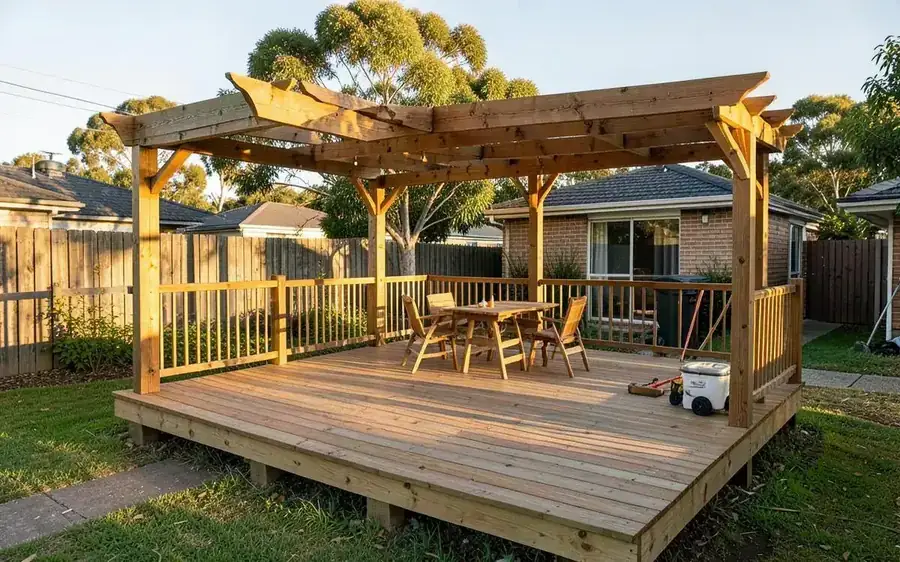
Your work is the strongest argument you have. Most carpentry websites waste it - a single gallery of dark, crooked photos with no context, buried three clicks down.
Photograph every job to the same recipe
- Before. Take it before you unload the ute. You'll never get it back.
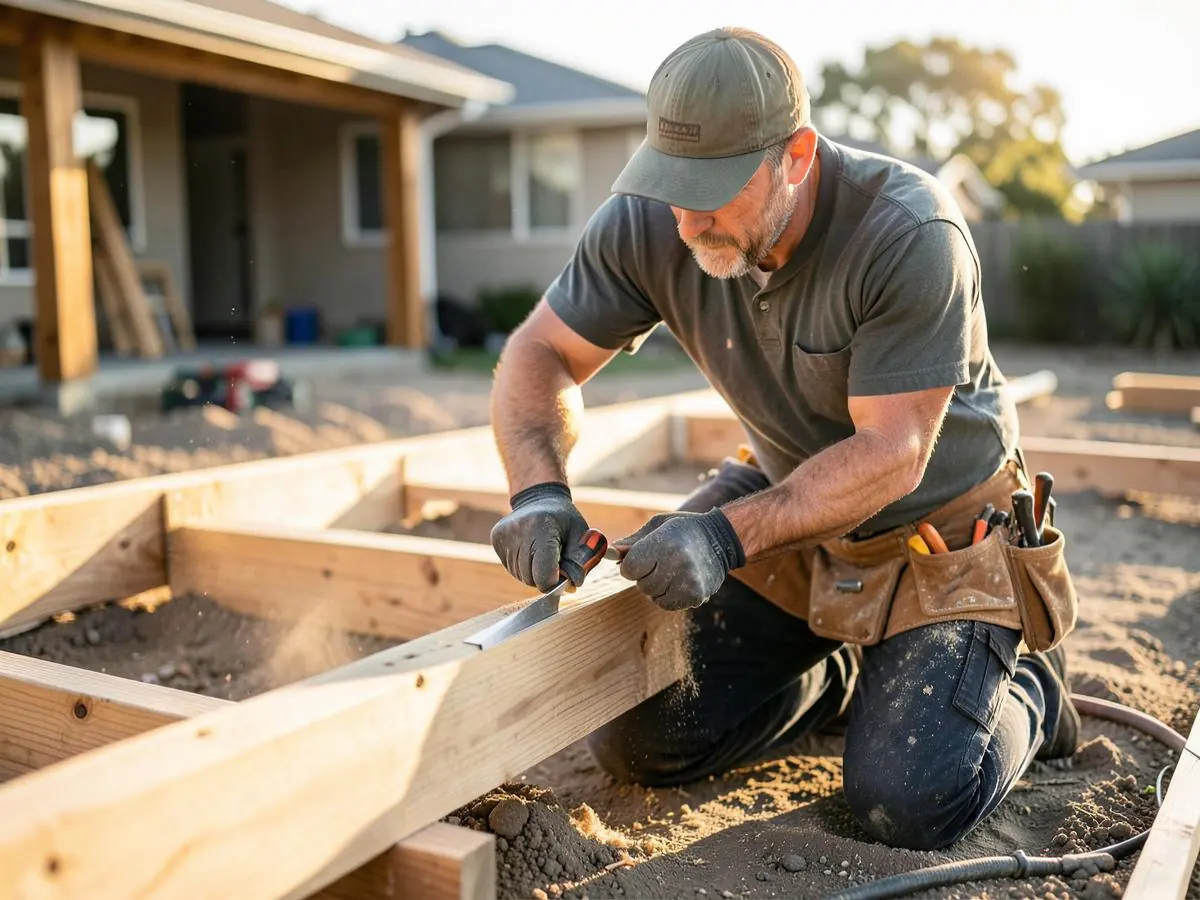
- During. One shot of the framing or the structure going in.
- Wide finished shot. The whole thing, in context, in daylight.
- Detail shots. Joins, fixings, edges - where the craftsmanship lives.
- Wider setting shot. How the work sits with the rest of the house.
The five rules that make phone photos look professional
- Tidy up first - offcuts, tools and cords ruin an otherwise good photo.
- Shoot in the morning or late afternoon; midday sun blows out timber grain.
- Hold the phone level. Crooked verticals read as sloppy, even subconsciously.
- Get low or step back rather than zooming.
- Take more than you need. It costs nothing and you'll only choose three.
Organise by project, not by photo
A visitor wants to see one complete job, understood, before moving to the next. Give each project its own block: title, suburb, a short description, and four to six photos.
Write two or three sentences per project
Say what the customer wanted, what you built, the materials, and anything tricky you solved. "Merbau deck with a hardwood substructure, stepped down to follow a sloping backyard in Ashgrove - completed in nine days" tells a prospective customer far more than "Deck build".
Put your best work where people actually look
Six of your best projects on the home page, and relevant projects on each service page - decks on the decking page, fit-outs on the commercial page. A portfolio hidden behind a menu item barely gets opened.
Keep it current
Add a project every month or two. A portfolio where the newest job is from 2022 raises exactly the question you don't want raised.
Don't use other people's work
No stock deck photos, no supplier images passed off as yours, no photos from a former employer's jobs without permission. Someone always recognises it, and a portfolio's whole value is that it's true.
Portfolio checklist
- Before, during, wide, detail and setting shots on every job
- Six to twelve complete projects
- Two or three sentences of context per project
- Suburb named for each project
- Best six featured on the home page
- Relevant projects shown on each service page
- Photos compressed so galleries load fast
- A new project added every month or two
If your current site makes adding projects a chore, that's worth fixing - see Carpenter Website Design, or what a carpenter's website should include.
Need a Better Website for Your Business?
Professional websites built by Mike - $99 to get started, then 5 weeks free after launch to see how it performs before $45/week, including hosting, your domain, SEO foundations and a monthly update.
See what your website can do. Nothing more to pay until it has been live for 5 weeks.
Common questions
- Do I need a professional photographer?
- Not for most jobs. Save that for one or two flagship projects if you want; consistent phone photos across many jobs are more useful than one perfect shoot.
- Should I ask customers before publishing photos?
- Yes, especially for interiors. A quick message at handover is enough, and most people are happy to say yes.

Written by Mike - Web Guy Mike
I build and look after websites for Australian tradies and small service businesses. Every site is built by me - no outsourcing, no account managers. More about Mike.