
How to Get More Electrical Enquiries From Your Website
Where electrical websites lose enquiries, and the changes that reliably win them back.
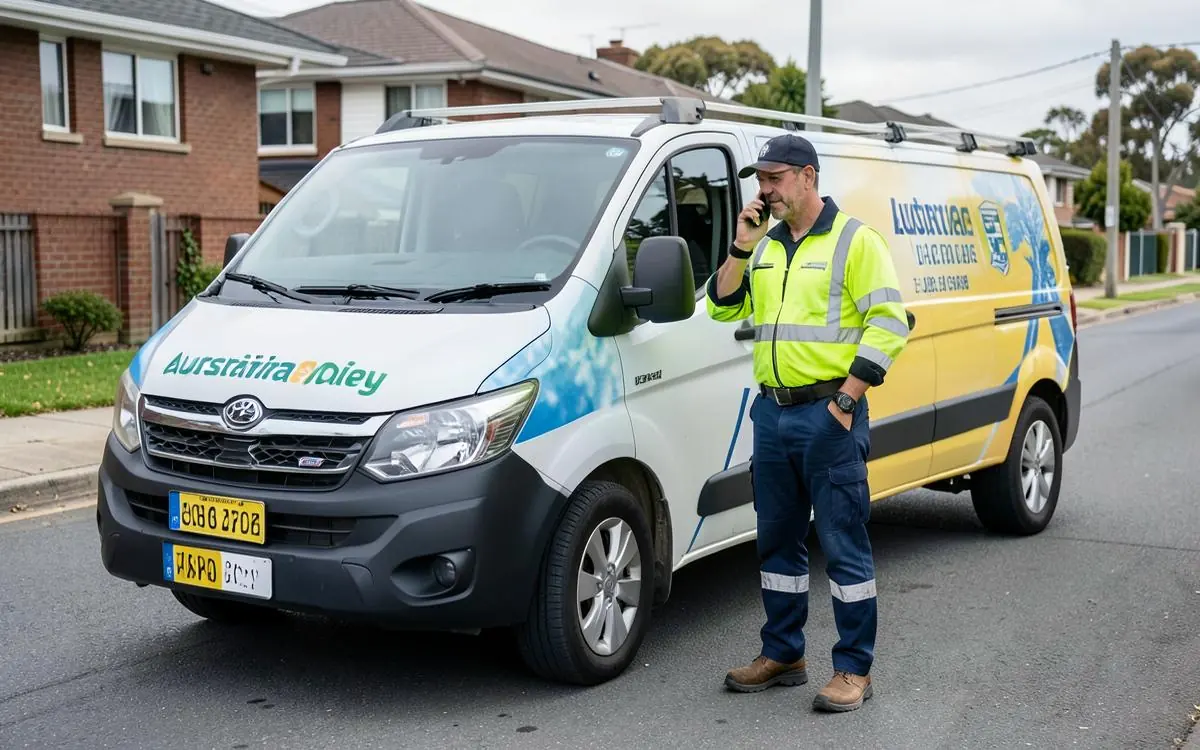
Getting more enquiries is usually two separate problems: not enough of the right people arriving, and too few of the ones who do arrive making contact. It's worth knowing which one you have before you spend money.
1. Make contacting you effortless
Tap-to-call number in the header of every page. A short form asking only for name, phone, suburb and a one-line description of the problem. Every extra field costs you enquiries, and nobody wants to fill out a form about a tripping switchboard.
2. Match your pages to what people actually search
People don't search "electrical solutions". They search "switchboard upgrade cost", "power points not working", "electrician near me open now", "EV charger install". Each of those deserves a page written in that language.
3. Answer the price question, even roughly
You can't quote a rewire from a website, but you can explain what drives the price, give a typical range for common jobs, and state your call-out fee. Silence on price makes people assume the worst and keep looking.
4. Show your work
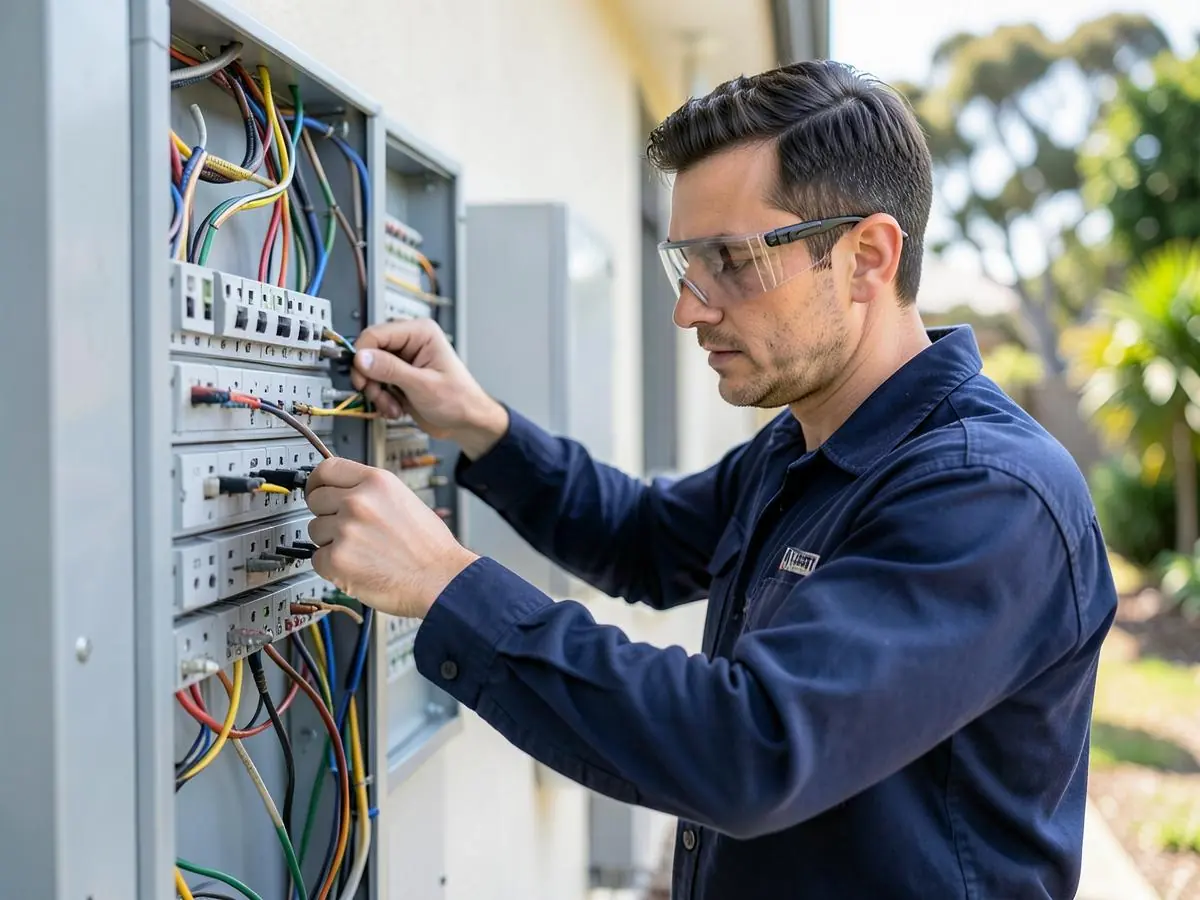
Before-and-after switchboards, tidy cable work, finished lighting. Electrical quality is hard to see once the covers are on, so photos of your standards do a lot of persuading.
5. Be specific about your area
"Servicing the northern suburbs" is vague. Naming the suburbs you actually cover reassures the visitor they're not wasting a call - and it helps you turn up in local searches.
6. Make emergency availability unmistakable
If you take after-hours work, say so at the top of every page with your hours and call-out fee. Emergency callers make the decision in seconds.
7. Speed up the site
Slow pages lose people before they read a word. Compress images, drop sliders, and test on mobile data rather than wi-fi.
8. Reply fast
Most enquiries go to whoever answers first. If you can't take the call on the tools, a quick text back - "got your message, I'll ring at 4" - holds the job.
9. Keep reviews coming
Ask every satisfied customer, right after the job, with a direct link. Recent reviews count for more than old ones, and they influence both the visitor and the map results.
10. Track what's working
Ask new customers how they found you. Note whether enquiries come by phone or form. You don't need complicated analytics to know which pages are earning their keep.
Quick wins, in order
- Tap-to-call number in the header sitewide
- Enquiry form cut back to four fields
- A page for each of your top three earning services
- Call-out fee and typical price ranges stated
- Twelve photos of your own finished work
- Suburbs you cover, named
- Google Business Profile complete and current
If your current site can't do most of that without a fight, rebuilding is usually faster than patching. See Electrician Website Design - a one-off payment of $99 to get started, then $45/week once your website goes live, built and maintained by me.
Need a Better Website for Your Business?
Professional websites built by Mike - $99 to get started, then 5 weeks free after launch to see how it performs before $45/week, including hosting, your domain, SEO foundations and a monthly update.
See what your website can do. Nothing more to pay until it has been live for 5 weeks.
Common questions
- Should I run Google Ads as well?
- Ads can work for emergency electrical work, where people call the first result. But send that traffic to a strong service page - paying for clicks that land on a weak page just costs more per enquiry.
- How long before changes show up as more work?
- Conversion changes - a clearer phone number, better service pages - can show almost immediately. Search visibility takes longer; see how long SEO takes.

Written by Mike - Web Guy Mike
I build and look after websites for Australian tradies and small service businesses. Every site is built by me - no outsourcing, no account managers. More about Mike.