
Can You Rank on Google Without a Google Business Profile?
What you can and can't achieve without a Google Business Profile, and how to set one up properly.
A lot of tradies either never set one up, or set one up years ago and forgot the login. It's worth understanding exactly what that costs you.
The two different results
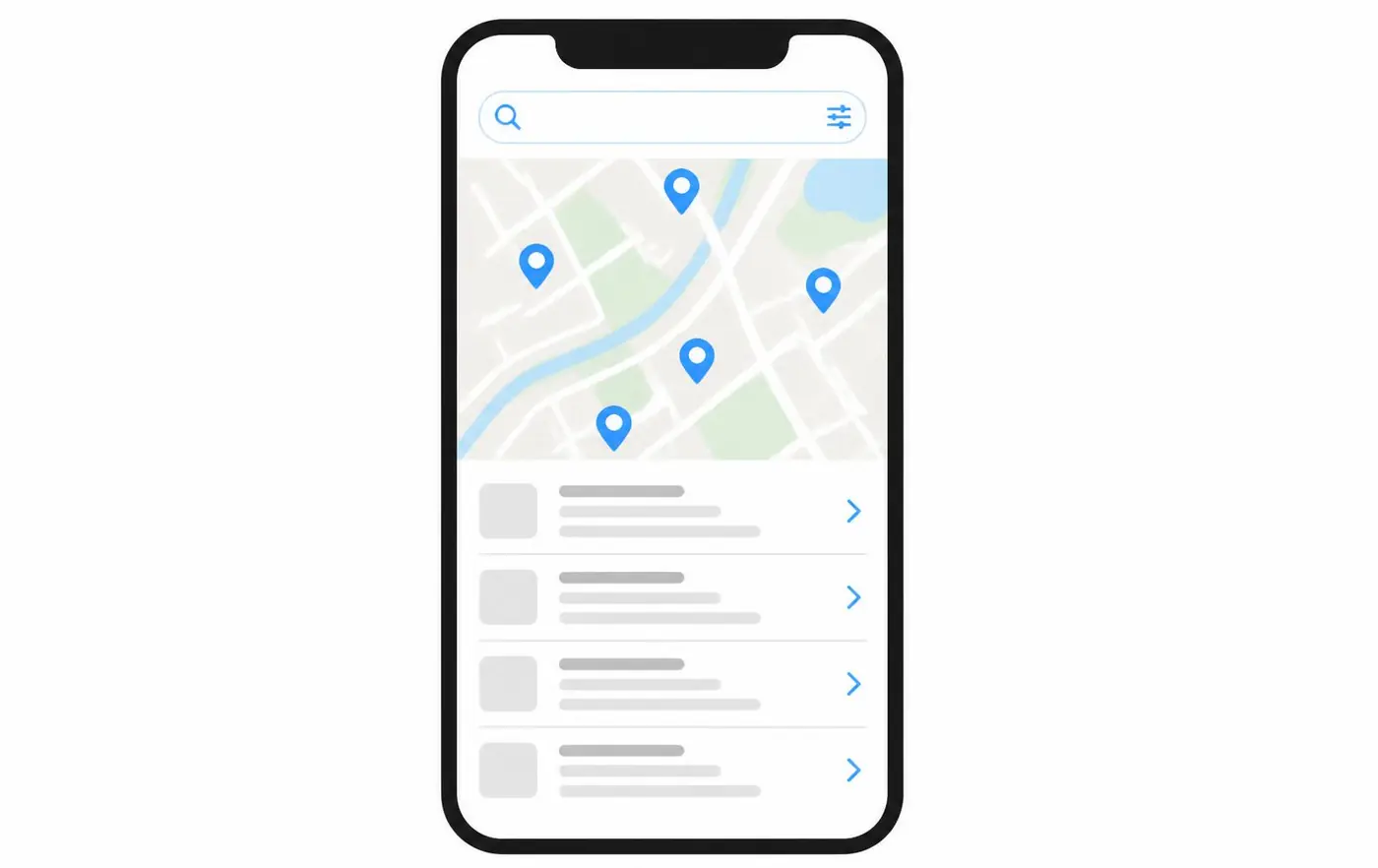
The map pack. The map with a few local businesses, phone numbers, ratings and directions. Driven almost entirely by Google Business Profiles.
Organic results. The ordinary blue links underneath. Driven by websites. You can compete here without a profile.
For "plumber near me" or "electrician [suburb]", the map pack takes most of the attention on a phone screen. Skipping it means competing for the leftovers.
What you lose without a profile
- The map results entirely.
- Google reviews - you can't collect them without a profile.
- The information panel with your hours, phone and directions.
- Tap-to-call directly from search, which many people use instead of visiting a site.
- A useful, free signal that your business is real and active.
Setting one up properly
- Create or claim the profile in your business name, exactly as you use it elsewhere.
- Verify it - usually by postcard, phone or video, depending on the business.
- Set a service area rather than an address if you work from home. You can hide the address and still appear for the suburbs you cover.
- Choose the most accurate primary category, then add secondary ones.
- List your services, with a short description of each.
- Set your hours honestly, including after-hours availability if you offer it.
- Add photos of your own work, and keep adding them.
- Link it to the right page of your website - often a service or area page, not always the home page.
- Ask every happy customer for a review, and reply to all of them.
Keep your details consistent
Business name, phone number and service area should match exactly between your profile, your website and any directory listings. Inconsistency creates doubt for customers and confusion for Google.
Google Business Profile essentials
- Claimed and verified
- Correct primary category
- Service area set to the suburbs you cover
- Services listed with descriptions
- Honest opening hours
- Your own photos, added regularly
- Linked to the most relevant page on your website
- Genuine reviews, asked for consistently and replied to
A profile and a website work together: the profile gets you into the map, the website gives people the detail that convinces them. If your site is the weak half, see Web Design or why your website isn't showing up on Google.
Without a profile, the website carries everything, so structure matters more - see SEO for tradies and tradie website design.
Want to Improve Your Google Visibility?
SEO varies enormously depending on your website, your market and who you're competing against, so there's no fixed package. Tell me what you do and where you work, and I'll tell you honestly what's realistic.
Talk to Mike About SEOCommon questions
- I work from home - do I have to publish my address?
- No. Set it up as a service-area business and hide the address. You'll still appear for the suburbs you cover.
- Do I still need a website if I have a profile?
- Yes. The profile is limited and you don't control it, and it can't carry service pages. See website vs social page for the same argument in a different form.

Written by Mike - Web Guy Mike
I build and look after websites for Australian tradies and small service businesses. Every site is built by me - no outsourcing, no account managers. More about Mike.