
Website Design for Electricians: What Great Looks Like
The layout and design decisions that make an electrician's website feel safe to ring.
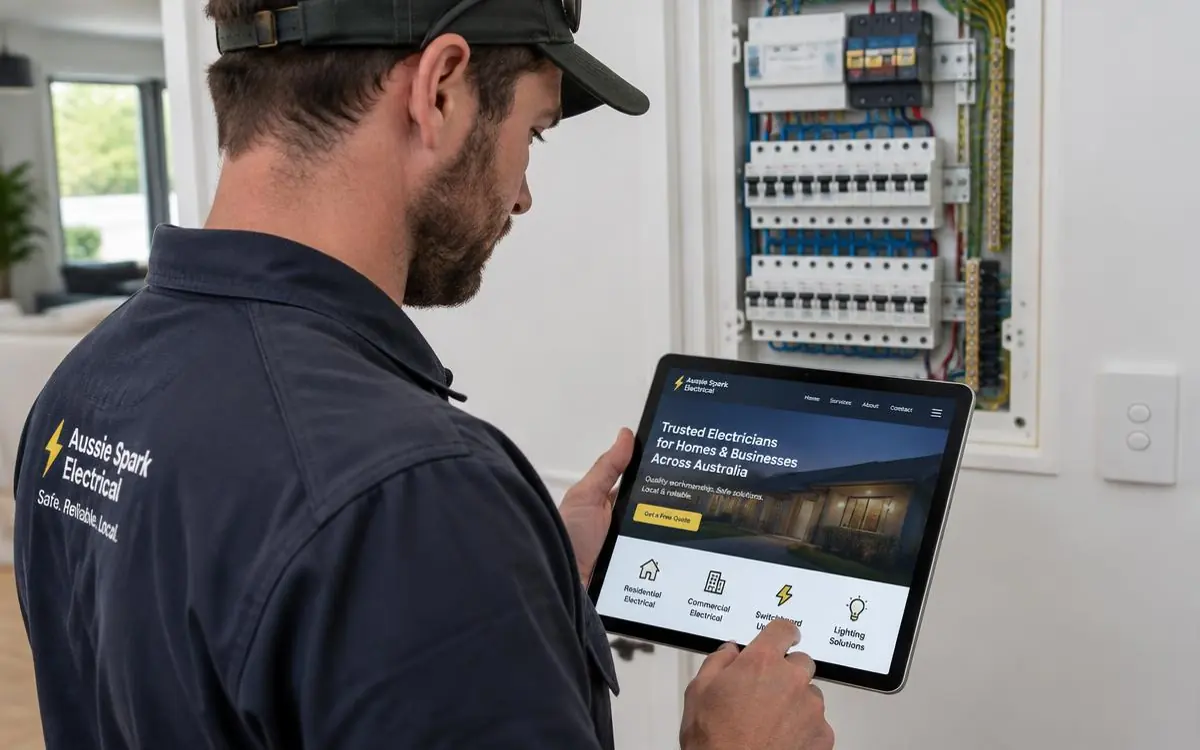
Electrical work is bought on trust and licensing. Nobody shops on style - they want to know you're licensed, insured, local, and that you'll turn up. Website design for electricians is really the job of proving those four things in about five seconds.
The layout, top to bottom
- Header. Logo, tap-to-call number, licence number if it fits.
- Hero. Trade and area in one plain line, plus call and quote buttons.
- Trust row. Licensed, insured, years in the trade, emergency availability.
- Services. One card per service with a real photo, linking to its own page.
- Recent work. Switchboard upgrades, downlight installs, EV chargers, solar - finished and tidy.
- Reviews. Names and suburbs.
- Areas covered. Named suburbs.
- Contact. Name, phone, suburb, job.
Pages worth having
- Emergency electrician and fault finding
- Switchboard upgrades and safety switches
- Lighting and downlights
- Power points and rewiring
- Ceiling fans and appliance installation
- EV charger installation
- Solar and battery work, if you do it
- Smoke alarm compliance
- Commercial and shop fit-out electrical
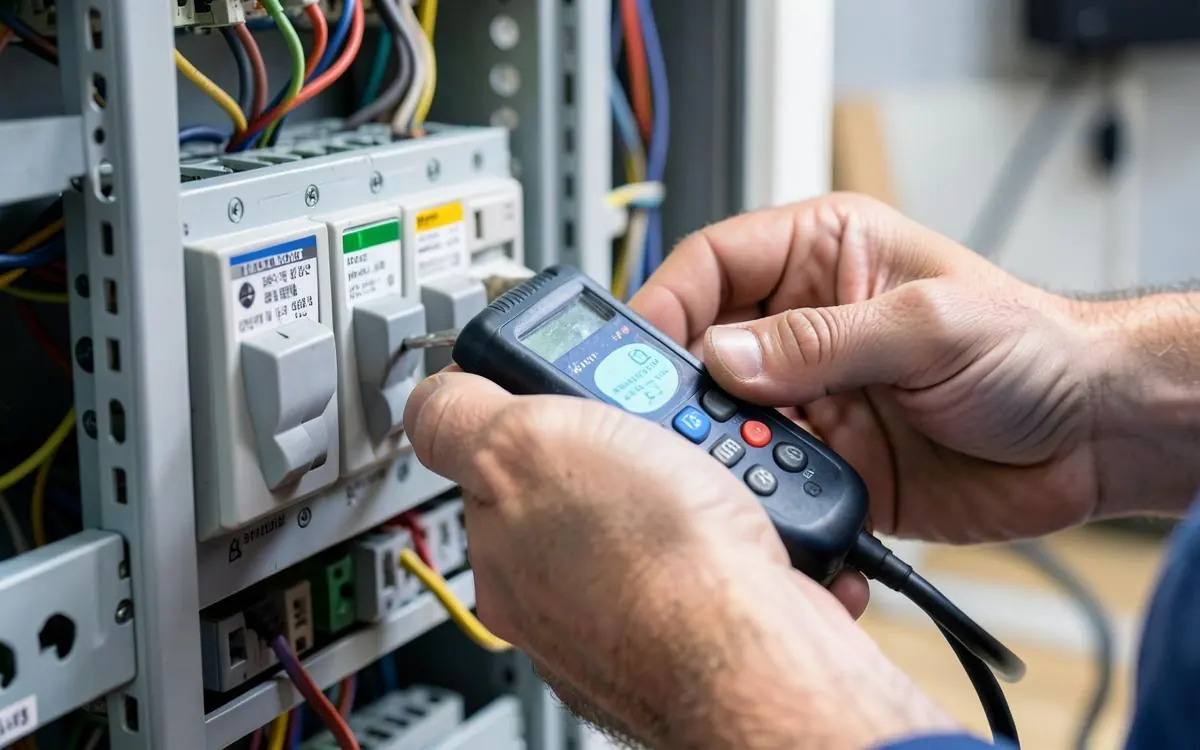
Design choices that matter for electrical
- Licence number visible, not buried in the footer. It's your single strongest trust signal.
- Photos of finished work, close up. Neat cabling, labelled boards, clean ceiling cut-outs.
- Safety wording, not scare tactics. Explain why an upgrade matters without sounding like a sales pitch.
- Sticky call button on mobile. Electrical faults are urgent.
- Restrained colour and lots of white space. Calm design reads as careful work.
For the content side, read what an electrician's website should include, plus how electricians get more customers online.
Electrician website design checklist
- Licence number visible on every page
- Trade and service area in the first line
- Tap-to-call in a fixed header
- A page per type of electrical work
- Close-up photos of finished installs
- Emergency availability stated honestly
- Named suburbs, linked to location pages
- Four-field enquiry form, tested
This is the layout I build under electrician website design, with content written for you. Pricing detail is in what an electrician website costs.
Need a Better Website for Your Business?
Professional websites built by Mike - $99 to get started, with the first 14 days free once your website goes live, then $45/week, including hosting, your domain, SEO foundations and a monthly update.
$99 to get started. First 14 days free once live, then $45/week.
Common questions
- Do electricians need a separate page for EV chargers?
- Yes, if you install them. It's a fast-growing search with much less competition than general electrical, and a dedicated page will outrank a mention on a services list.
- Is a one-page website enough for an electrician?
- It's better than nothing, but it can only compete for one search. See one-page vs multi-page tradie websites.

Written by Mike - Web Guy Mike
I build and look after websites for Australian tradies and small service businesses. Every site is built by me - no outsourcing, no account managers. More about Mike.