
What Should an Electrician's Website Include?
A page-by-page guide to what belongs on an electrical business website, and what to leave off.
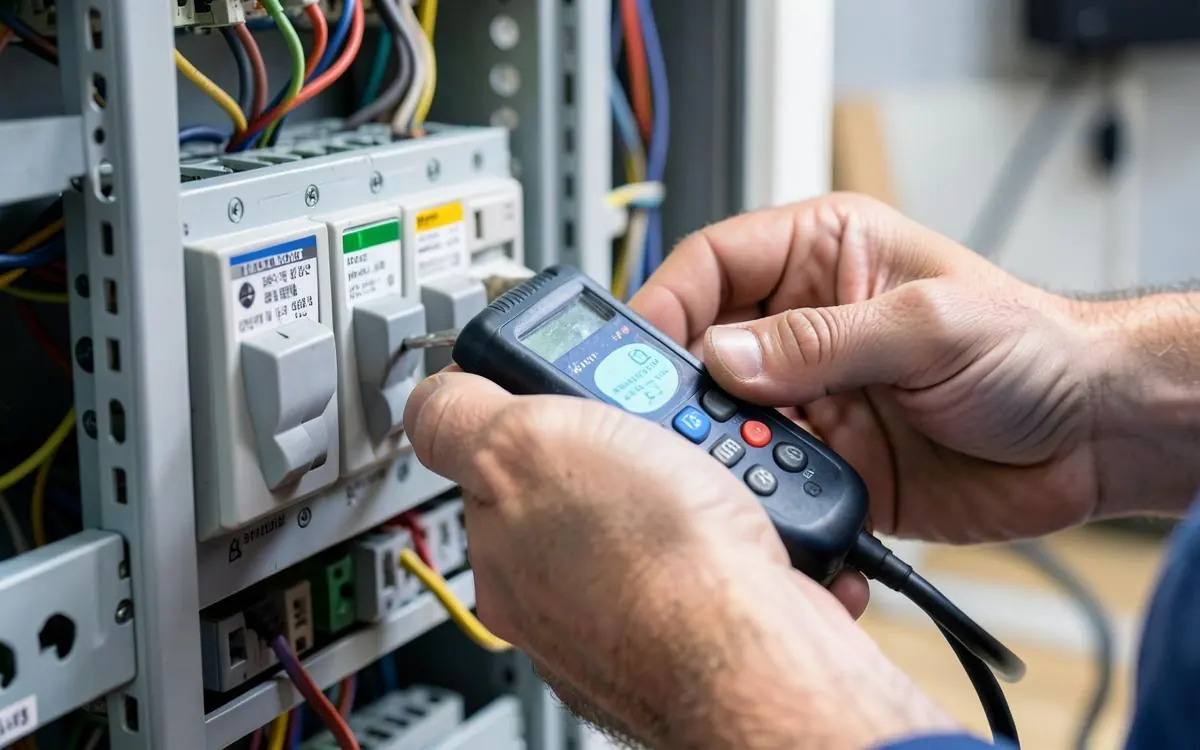
An electrician's website has two jobs: get found when someone searches for electrical work in your area, and make it obvious you're the right person to ring. Everything below serves one of those two.
The core pages
Home
Within a second, a visitor should know: what you do (electrical), who for (homes, businesses, or both), where (your suburbs or city), and how to reach you. Then your main services, a few job photos, reviews and an enquiry form.
A page for each main service
This is where most electricians leave work on the table. Typical pages worth having:
- Emergency electrician / after-hours call-outs
- Switchboard upgrades and safety switches
- Rewiring and repairs
- Lighting installation, including LED upgrades and outdoor lighting
- Power points and additional circuits
- Smoke alarm installation and compliance
- Ceiling fans and appliance connection
- EV charger installation
- Commercial and fit-out electrical work
- Fault finding
Each page should answer the same handful of questions: what the job involves, why people need it, what it typically costs or what drives the price, how long it takes, and what happens when they contact you.
About
Your name, your face, how long you've been in the trade, your licence number, your insurance, and the kind of work you prefer. People hire people.
Service areas
Say exactly where you work. If you cover a wide area, individual suburb pages can help - but only if each one has genuine local content rather than a name swapped into a template. See do location pages actually help.
Gallery
Tidy switchboards, neat cable runs, finished lighting, completed fit-outs. Electrical work is largely invisible once it's done, so the photos you can take matter more.
Contact
Phone number as a tap-to-call link, a short enquiry form, your hours, your emergency availability, and the areas you cover.
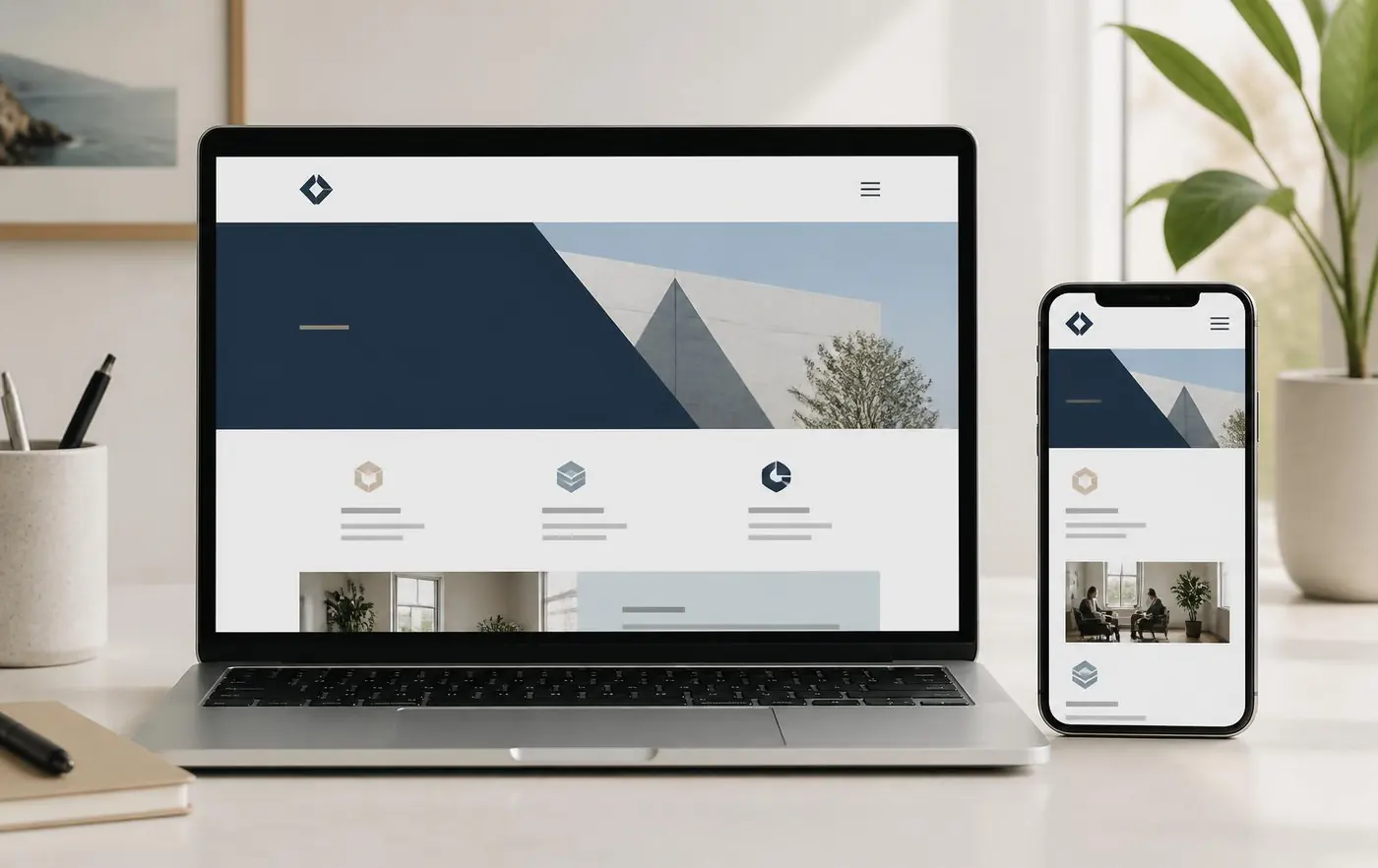
Trust signals specific to electrical work
- Licence number displayed clearly - it's the first thing careful customers check.
- Public liability insurance, stated plainly.
- Compliance certificates - say that you issue them.
- Years in the trade and the types of work you specialise in.
- Genuine reviews, ideally pulled through from your Google Business Profile.
- Brands you install, where relevant.
- Warranty on workmanship.
Emergency work needs its own treatment
If you take after-hours call-outs, someone standing in a dark house needs to see a phone number immediately. Put it in a sticky header, state your hours honestly, and be clear about call-out fees. Vague emergency promises cost you goodwill.
The technical basics
- Loads quickly on mobile data, not just wi-fi.
- Readable text and tap targets on a phone.
- Enquiry form that emails you and doesn't quietly fail.
- Unique title and description on every page.
- SSL certificate and an up-to-date platform.
- Connected to your Google Business Profile.
Electrician website checklist
- Home page stating trade, audience and area within one screen
- A page for each service you want more of
- Licence number and insurance stated clearly
- Emergency availability, if you offer it, on every page
- Service area page or list of suburbs
- At least a dozen photos of your own finished work
- Genuine reviews
- Tap-to-call phone number in the header
- Short enquiry form that actually sends
What to leave off
Stock photos of models in hard hats, autoplaying video, a sliding banner nobody reads, "welcome to our website", and any claim you can't back up. If a section isn't helping a visitor decide, it's in the way.
If you'd rather not build all this yourself, that's exactly what I do - see Electrician Website Design, or read what an electrician website costs.
Need a Better Website for Your Business?
Professional websites built by Mike - $99 to get started, then 5 weeks free after launch to see how it performs before $45/week, including hosting, your domain, SEO foundations and a monthly update.
See what your website can do. Nothing more to pay until it has been live for 5 weeks.
Common questions
- How many pages does an electrician website need?
- Usually around eight to twelve: home, about, contact, service areas, and a page for each main service. More detail in how many pages a small business website needs.
- Should I list my prices?
- Even a rough range or a call-out fee helps. Customers filter hard on price uncertainty, and being upfront saves you quoting jobs that were never going to happen.

Written by Mike - Web Guy Mike
I build and look after websites for Australian tradies and small service businesses. Every site is built by me - no outsourcing, no account managers. More about Mike.