
How to Photograph Your Work So It Wins Jobs
Ten minutes at the end of a job, done the same way every time, gives you photos that sell the next one.
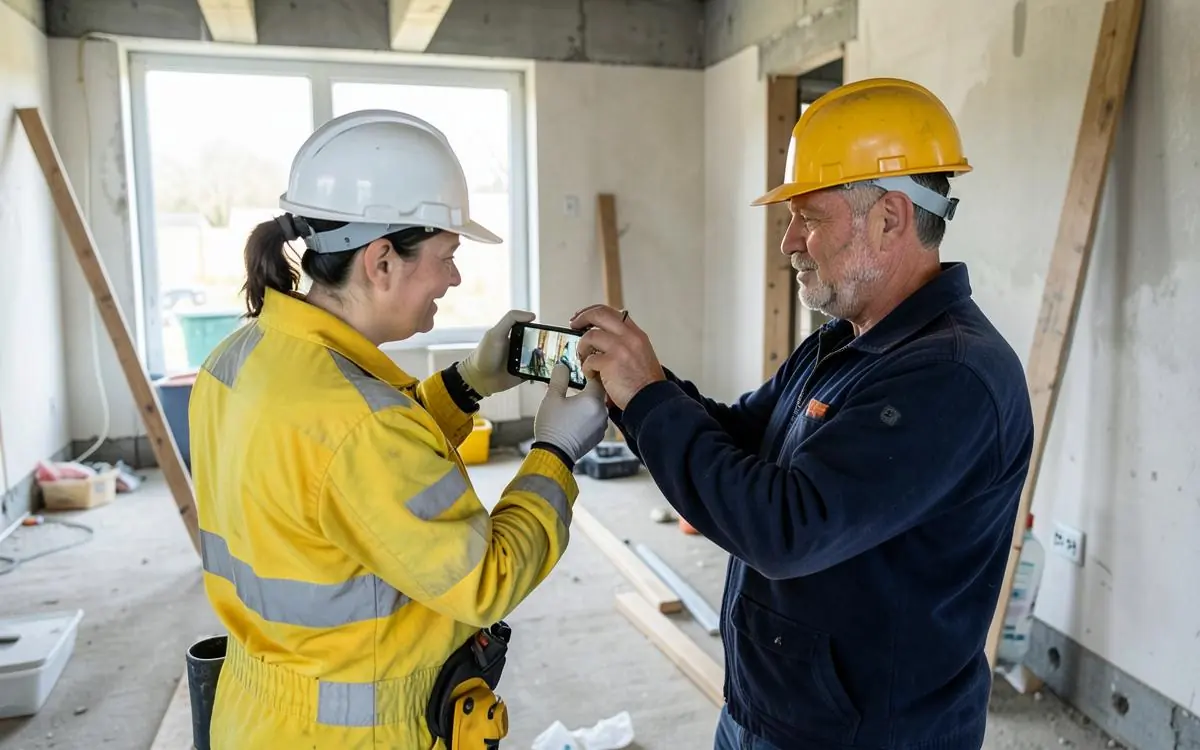
Your photos are doing most of the selling on your website, whether you meant them to or not. The good news is you don't need a camera or a photographer - you need a repeatable routine you run before you pack up.
Before you shoot: tidy up
Tools away, drop sheets folded, offcuts gone, benches wiped. Nothing kills a good photo of good work faster than a mess in the corner of frame - customers read it as how you'd leave their place.
The five shots to get every time
- Wide finished shot. Stand back, get the whole thing in, keep vertical lines vertical.
- Two detail shots. The joins, the finish, the terminations - wherever your quality shows.
- Before, from the after position. Take it when you arrive; matching angles make the difference obvious.
- In-progress shot. Proves it's your work, not stock.
- Context shot. The house or street style - helps local relevance without showing the number.
Light
Daylight beats everything. Turn the room lights on too so the shadows aren't harsh, and avoid shooting straight into a bright window. Outside, overcast is easier than midday sun. Don't use flash unless you have to - it flattens everything.
Technical bits that matter
- Wipe the lens. Trade phones are filthy and it shows.
- Tap to focus on the work, not the background.
- Shoot landscape for websites, and a couple of portrait ones for social.
- Don't zoom - walk closer.
- Turn the grid on so lines stay straight.
Privacy and permission
Ask the customer before you photograph inside their home. Keep house numbers, cars, plates and people out of frame, and never post an address alongside a photo.
Getting them onto the site properly
Pick your best few per service rather than dumping everything into one gallery - photos work hardest sitting on the page for the job they show. They also need compressing so they don't slow the site down. More on that in website photos that win work.
End-of-job photo routine
- Area tidied and tools out of frame
- Wide finished shot, phone held level
- Two or three detail shots of the workmanship
- Before shot taken from the same spot as the after
- Lens wiped, room lights on, no flash
- No faces, plates or house numbers visible
- Best shots added to the matching service page
If you send me the photos, I'll put them where they'll do the most work - that's part of the managed tradie website service.
Want to Improve Your Google Visibility?
SEO varies enormously depending on your website, your market and who you're competing against, so there's no fixed package. Tell me what you do and where you work, and I'll tell you honestly what's realistic.
Talk to Mike About SEOCommon questions
- Do I need a proper camera for website photos?
- No. A modern phone is more than good enough. Tidiness, angle and daylight matter far more than the camera.
- How many photos should I have on my website?
- Three to six strong photos per service page beats a hundred in one gallery. Quality and relevance win over volume.

Written by Mike - Web Guy Mike
I build and look after websites for Australian tradies and small service businesses. Every site is built by me - no outsourcing, no account managers. More about Mike.