
How to Set Up Google Business Profile (the Right Way) for Tradies
A step-by-step setup for your Google listing, plus the common mistakes that quietly keep tradies out of the map results.
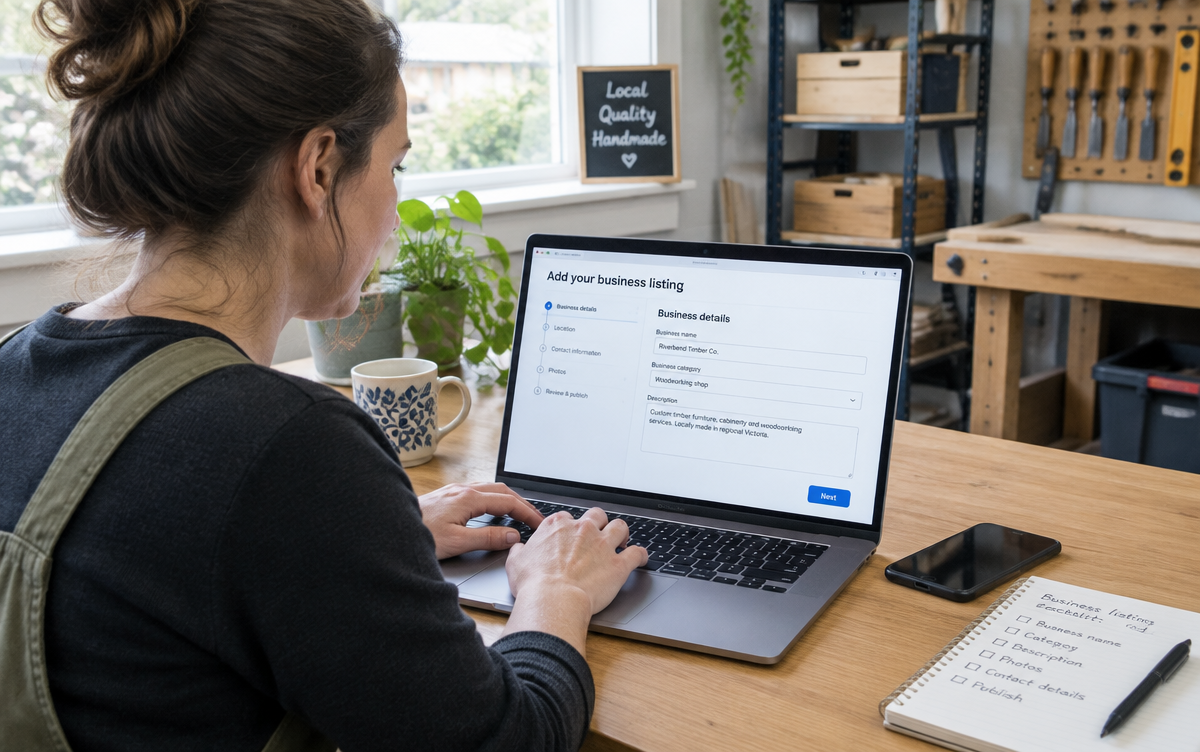
A Google Business Profile is the free listing that puts you in the map results and shows your phone number, reviews and photos straight in search. For most trade businesses it brings in more phone calls than anything else online - and most are set up in ten minutes and never touched again.
Before you start
Have these ready, because Google asks for them and changing them later is a hassle:
- Your business name exactly as it appears on your invoices and ABN.
- Your mobile and a business email address.
- The suburbs or regions you actually service.
- Your website address.
- Six to ten decent photos of finished jobs, your ute and your team.
- Your licence number if your trade requires one.
Step 1: Create or claim the listing
Search your business name in Google first. Plenty of trade businesses already have a listing generated automatically, or one created years ago by a previous marketer. If something comes up, claim it rather than creating a second one - duplicates split your reviews and confuse Google. Otherwise create a new profile from google.com/business.
Step 2: Business name - exactly as it is
Use your real trading name. Not "Bob's Plumbing | Blocked Drains Gold Coast | 24/7". Keyword stuffing the name is against Google's rules, competitors report it, and it gets listings suspended. Your categories and services are where the keywords belong.
Step 3: Categories - the one most tradies get wrong
Your primary category is the biggest ranking factor you control here. Pick the most specific match to your main work: "Electrician", "Plumber", "Air conditioning contractor" - not a vague one like "Contractor" or "Home improvement".
Then add secondary categories for other work you genuinely do, and no more. Adding fifteen unrelated categories dilutes what Google thinks you are.
Step 4: Service area, not a shopfront
If customers don't come to your address, choose a service-area business and hide the address. Then list the suburbs or councils you genuinely cover.
Be honest here. Listing the whole of South East Queensland when you work three suburbs makes you less relevant everywhere. Twenty suburbs is Google's practical limit anyway, so pick the ones you want work in.
| Setting | Do this | Not this |
|---|---|---|
| Business name | Your exact trading name | Name plus keywords and suburbs |
| Primary category | Most specific trade match | "Contractor" or "Business service" |
| Address | Hidden, service area listed | Home address shown publicly |
| Service area | Suburbs you genuinely work | Entire state |
| Phone | The mobile you actually answer | A tracking number that changes |
| Photos | Your real jobs, added regularly | Stock photos, or none |
Step 5: Hours, phone and website
Set hours you'll genuinely answer the phone, and mark yourself open 24 hours only if you really take calls at 2am - a missed call from an emergency search is worse than not appearing. Link your website home page, and where Google lets you, link individual services to the matching page on your site.
Step 6: Verification
Google verifies by video these days for most service-area businesses - a short recording showing your signage, your tools, your ute and something proving the business is yours. Have your branded ute, tools and paperwork handy before you start, and don't stop the recording midway. It usually takes a few days to come back.
Step 7: Fill in everything else
- Services - list each one separately with a sentence or two, matching the service pages on your website.
- Business description - 750 characters in plain Australian English: what you do, where, and what you're known for.
- Attributes - licensed, family-owned, on-site services, whatever applies.
- Opening date - years in business is quietly reassuring.
- Messaging - only turn it on if you'll reply quickly.
What to do every month once it's live
A listing that never changes slowly slides. The maintenance is small: add two or three job photos, ask your happy customers for a review and reply to the ones you get, post an update if you've got something worth saying, and check your details haven't been changed by a "suggested edit".
Reviews do the heaviest lifting - the system for asking without feeling awkward is in Google reviews for tradies.
Google Business Profile setup checklist
- Search for an existing listing and claim it rather than creating a duplicate.
- Use your exact trading name with no keywords added.
- Choose the most specific primary category for your trade.
- Set it up as a service-area business and hide your home address.
- List only the suburbs you genuinely work in.
- Complete verification with your signage, ute and tools ready.
- Add every service individually with a short description.
- Upload at least six real job photos.
- Link your website, and your service pages where possible.
- Set a monthly reminder for photos and review requests.
How it fits with your website
The profile and the website aren't alternatives - they reinforce each other. Google trusts a listing more when a website backs up the same services and suburbs, and your website picks up the people who want to read a bit before ringing. The full picture is in local SEO for tradies, and if your site isn't appearing at all, start with why your website isn't showing up on Google.
Want to Improve Your Google Visibility?
SEO varies enormously depending on your website, your market and who you're competing against, so there's no fixed package. Tell me what you do and where you work, and I'll tell you honestly what's realistic.
Talk to Mike About SEOCommon questions
- Do I need a website to have a Google Business Profile?
- No, but listings with a website behind them tend to rank better and convert better. You can also rank without a profile in the normal results - ideally you have both.
- Do I have to show my home address?
- No. Set it up as a service-area business and your address stays hidden - Google still needs it privately for verification.
- How long does verification take?
- Usually a few days after you submit the video. If it's rejected, you can try again - the usual causes are unclear signage or not showing anything that ties the business to you.
- How long before I show up in the map results?
- Often within a few weeks of proper setup, especially with a few reviews coming in. Competitive suburbs take longer - see how long SEO takes.

Written by Mike - Web Guy Mike
I build and look after websites for Australian tradies and small service businesses. Every site is built by me - no outsourcing, no account managers. More about Mike.