
Plumbing Website Design: What a Great Plumber Website Looks Like
The layout, design choices and page structure that turn a plumbing website into phone calls.
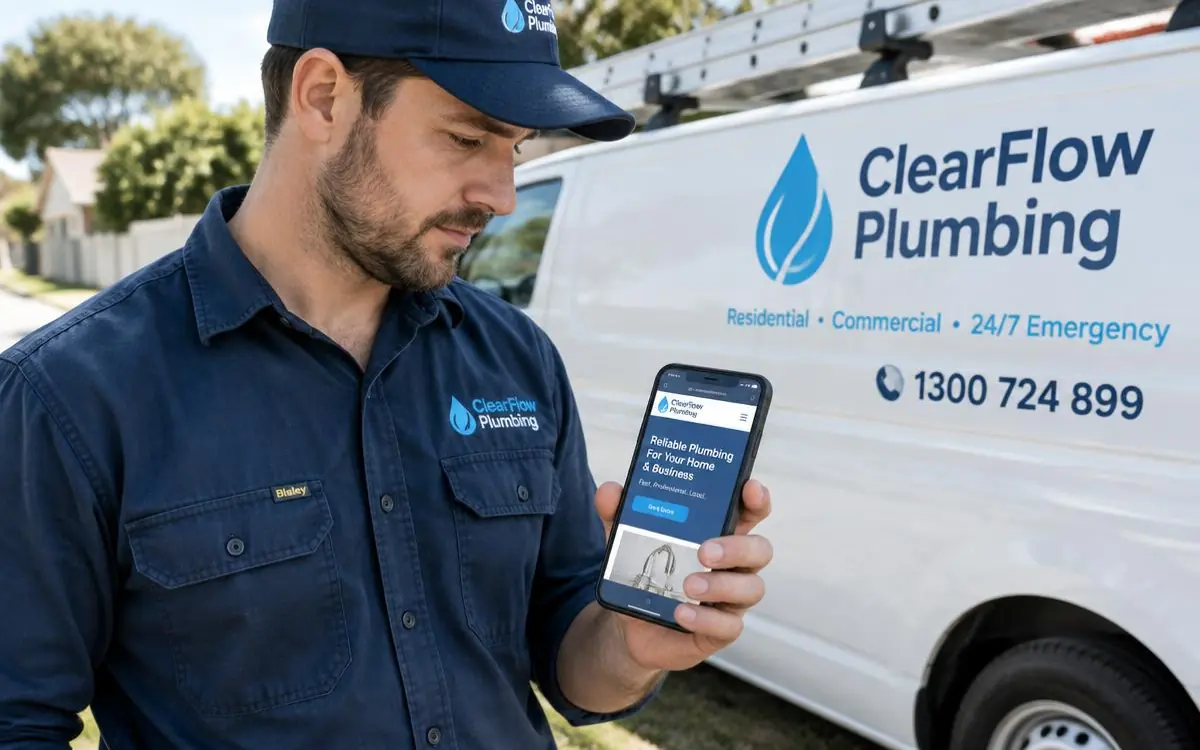
Plumbing is an emergency trade. Most people arrive on your website standing next to a problem, on a phone, with wet feet. Good plumbing website design is mostly about removing everything between that person and your phone number.
The layout, top to bottom
- Header. Logo, tap-to-call number, and "24/7" only if it's true.
- Hero. One line stating trade and area - "Licensed plumbers across the northern Gold Coast" - plus a call button and a quote button.
- Emergency strip. Response times and the call-out fee, stated plainly.
- Services. Cards with real job photos, each linking to its own page.
- Proof. Licence number, insurance, years in the trade, warranty.
- Reviews. Three or four, with names and suburbs.
- Areas covered. Named suburbs, linked where you have location pages.
- Contact. Name, phone, suburb, problem. Nothing more.
Pages worth having
- Emergency plumbing and burst pipes
- Blocked drains
- Hot water repair and replacement
- Leak detection
- Taps, toilets and cisterns
- Gas fitting
- Bathroom renovations
- Roof plumbing and gutters
- Commercial and strata maintenance
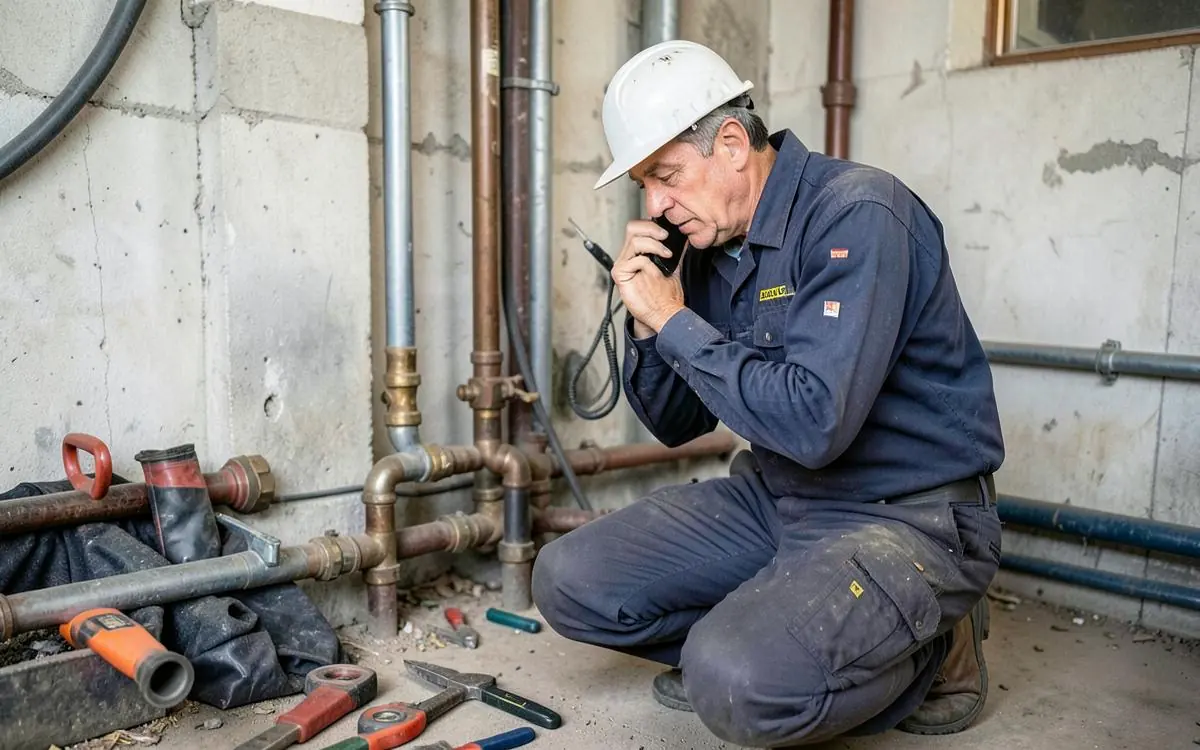
Design choices that lift enquiries
- A sticky call bar on mobile. Visible at every scroll position.
- Big, high-contrast text. People read your site at arm's length in poor light.
- Real photos, not stock. Replaced hot water units, cleared drains, finished pipework. Before-and-afters do the selling.
- Restrained colour. One strong colour for buttons, everything else calm. Loud pages read as unprofessional in a trade built on trust.
- Fast on mobile data. Compress every photo. A slow site loses the call to the next plumber in the list.
What to leave out
Sliders, background video, stock photos of models in clean overalls, and long "our philosophy" sections. None of it has ever won a blocked-drain job.
For the content side, read what a plumbing website should include, and how to get more plumbing enquiries for the conversion detail.
Plumbing website design checklist
- Tap-to-call number fixed in the header
- Trade and service area in the first line
- Honest emergency hours and call-out fee
- A page per service, each with real photos
- Licence number and insurance visible
- Suburbs named, not just 'south east Queensland'
- Four-field form, tested monthly
- Every image compressed for mobile data
This is the layout I build under plumber website design - content written for you, photos handled, and each service and suburb given its own page. Costs are covered in what a plumber website costs in Australia.
Need a Better Website for Your Business?
Professional websites built by Mike - $99 to get started, with the first 14 days free once your website goes live, then $45/week, including hosting, your domain, SEO foundations and a monthly update.
$99 to get started. First 14 days free once live, then $45/week.
Common questions
- Should a plumbing website show prices?
- A call-out fee or a range for common jobs helps more than it hurts. People filter on uncertainty, and being upfront cuts out the quotes that were never going to convert.
- How many photos does a plumbing website need?
- Six to nine on the home page and three to six per service page. Relevance to the page beats volume every time.

Written by Mike - Web Guy Mike
I build and look after websites for Australian tradies and small service businesses. Every site is built by me - no outsourcing, no account managers. More about Mike.